Snapping sites to the network


You can use RivEX to snap points to the network.  It is capable of quality controlling the snap by doing an in string name match with each polyline that falls within a user defined search tolerance.

RivEX creates a new Shapefile with all sites included.  Rejected sites are simply the same point but identified as rejected, whilst a snapped site will have new location, distance moved and a short text explanation of the snap.

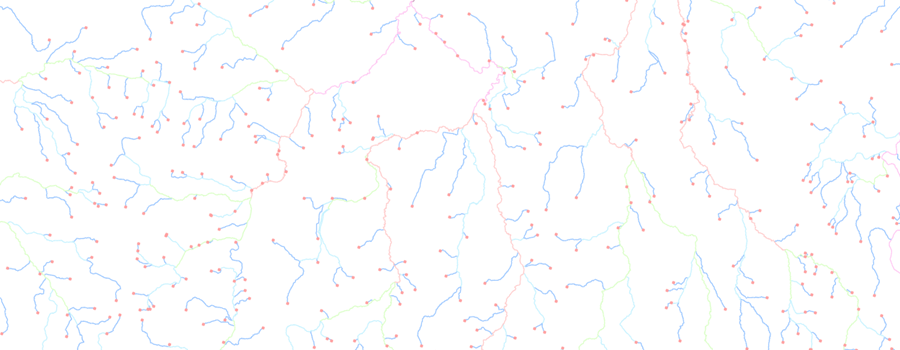
[ Example of snapping ]

RivEX can also force the snapped site to move 1% along the length of the polyline to avoid snapping with nodes as this will avoid later problems with spatial selection identifying 2 or more polylines at a tributary.

The snapping method used by RivEX could easily reject genuine sites if the naming convention used to name the site is radically different to the naming convention used to name the polylines.  For example if a polyline was attributed with "Yangtze River" but the site name is "Gauging Station 5 - Yangtze river" then RivEX would reject such a site as it would reduce the site name to "Gauging Station 5 - Yangtze" which is not a sub-string of "Yangtze River".

RivEX will generate metadata for the above process which you can read in ArcCatalog.  Remember the style sheet filters what you see, so you will need to swap between different style sheets to see specific information generated by RivEX.

See online manual for more details >> click here

Back to Top

Home

© RivEX 2011